 Genzee
Strong Passwords and Online Safety: A Practical Guide
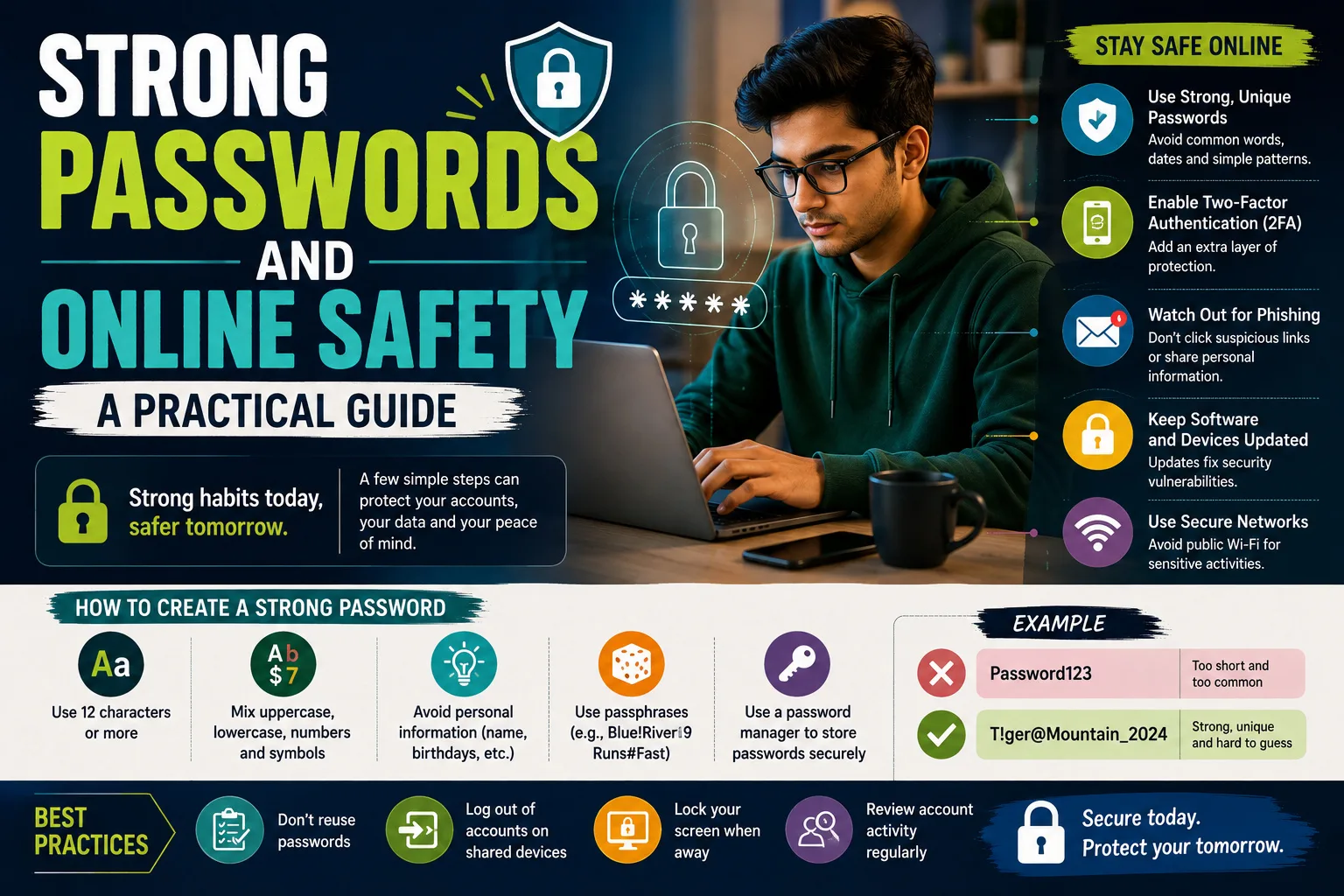
Most accounts don't get "hacked" in the movie sense — nobody in a hoodie guesses your password character by character. They get taken through four mundane doors: a password reused from a breached website, a guessable password, a phishing page you typed it into yourself, or a recovery process abused with your public information. The defence for each is specific and learnable in an evening. Here's the whole playbook.
How passwords actually fall
- Credential stuffing: a site you used years ago gets breached; its password list circulates; software tries your email + that password on every major service. If you reuse passwords, one breach anywhere is a breach everywhere. This is the #1 mechanism, by far.
- Dictionary and pattern attacks: cracking tools try millions of common passwords and human patterns —
Pakistan123, names + birth years, keyboard walks — per second against stolen password files. "Clever" substitutions likeP@ssw0rdare in the dictionaries too. - Phishing: a login page that looks exactly like your bank's, reached from an urgent SMS or email. Password strength is irrelevant when you hand it over.
- Recovery abuse: "forgot password" flows guarded by facts an attacker can find — birthday, mother's name, first school — on your own social media.
What actually makes a password strong
Randomness and length — not cleverness. Strength is measured in entropy (bits); each extra random character multiplies an attacker's work. A 16-character random password from a full character set has ~103 bits — beyond any realistic cracking effort — while a 10-character human-invented one riddled with patterns often falls in hours against stolen hashes. Two honest options:
- Random strings from a generator — our password generator creates them locally in your browser using cryptographic randomness, with a live strength meter.
- Passphrases — four or five genuinely random words ("mango-tractor-violin-cloud") for the passwords you must memorise. Long, strong, typeable.
The rule that beats every other rule: unique per site
A merely decent password that's unique survives other sites' breaches; a magnificent password reused everywhere doesn't. Since nobody memorises sixty unique passwords, the practical answer is a password manager — your browser's built-in one is far better than reuse, a dedicated app better still. You memorise exactly one strong master passphrase; the manager generates and fills the rest. The common objection ("all eggs in one basket") has a real answer: the basket is encrypted, guarded by your one strong passphrase plus two-factor, and the alternative — reuse — is dozens of unguarded baskets left in public.
Two-factor authentication: the seatbelt
2FA means a stolen password alone isn't enough — the attacker also needs your second factor. Enable it first on the accounts that can hurt you: email (which can reset everything else), banking and payment apps, then social accounts. An authenticator app beats SMS codes (SIM-swap fraud is a real Pakistani phenomenon — guard your SIM with a PIN and never share OTPs with anyone, including "bank officers" on the phone; banks never ask). Ten minutes of setup converts most account-takeover attempts into failed login notifications.
Phishing: the human-side defence
Three habits defeat nearly all of it: (1) Never log in from a link in a message — open the app or type the address yourself. (2) Treat urgency as a red flag; "your account will be blocked in 2 hours" is attacker grammar. (3) When a call or message asks for an OTP, PIN or password, the conversation is over — no legitimate institution asks. Teach these three to the least technical person in your family; they're the ones the SMS is aimed at.
The one-evening security upgrade
- Change your email password to a unique, generated one — email first, because it holds the reset keys to everything.
- Enable 2FA on email, banking and WhatsApp (and set a WhatsApp PIN).
- Adopt the password manager; let it replace reused passwords as you log into things over the coming weeks.
- Check your email at haveibeenpwned.com to see which old breaches include you — then ensure those passwords are retired everywhere.
- Set a SIM PIN and delete recovery answers that are guessable facts (or answer them with generated nonsense stored in the manager).
None of this needs technical skill — it needs one decision to stop reusing passwords and one evening of setup. Generate your first properly random password now with the free generator (it never leaves your device), and if you handle sensitive text, the same privacy-first approach runs across our word counter and Base64 tool — everything stays in your browser.
Securing the family, not just yourself
Your own accounts hardened, the remaining risk usually lives one WhatsApp forward away — in the family members attackers actually target. The high-yield moves: sit with parents for thirty minutes and enable 2FA plus app PINs on their WhatsApp, banking and email, while delivering the one non-negotiable rule in plain words — no OTP, PIN or password is ever shared with anyone who calls, whatever they claim; banks never ask. Fraudulent "bank officer" and "your relative is in trouble" calls succeed precisely against the polite and the panicked. Set up account recovery properly for them — a current recovery email and number they control — because lockouts drive people to sketchy "recovery services" that are themselves scams. Agree a family code-question for money-related calls or voice notes, now that voice cloning is cheap. For shared devices, separate profiles and a screen lock beat one open tablet holding everyone's sessions. And normalise the no-blame report: family members who can say "I think I clicked something bad" within the hour are recoverable; the ones who hide it for a week aren't. Print the house rules if needed — the generator makes everyone's new passwords in seconds, and the QR tool can even put your guest Wi-Fi on the fridge without revealing the real password to visitors' phones forever.